G:B
DEPOT
ADD G:B TO YOUR HOME SCREEN
iPhone / Android
iPHONE / SAFARI
3 STEPS
1
Tap ••• → Share
Use the menu at the bottom-right of Safari.
2
Add to Home Screen
Scroll the Share menu if needed.
3
Tap Add
G:B will appear on your Home Screen as DEPOT.
iPhone requires these steps. A website cannot add itself to your Home Screen automatically.
iPHONE
SAFARI REQUIRED
1
Open this page in SafariHome Screen installation on iPhone is completed from Safari.
2
Share → Add to Home ScreenThen tap Add.
ANDROID / CHROME
INSTALL
1
Open Chrome menu ⋮Use the menu at the top of Chrome.
2
Add to Home screen / Install appSelect whichever option Chrome shows.
3
ConfirmG:B will appear on your Home Screen as DEPOT.
FOR iPHONE / ANDROID
This Home Screen installer is for smartphones.
Open this page on your phone or scan the code below.
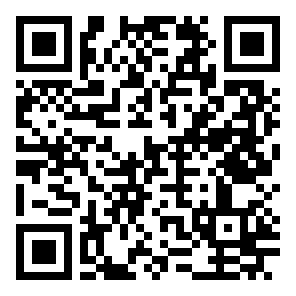
SCAN WITH YOUR PHONE
orange-breeze-e4bf.wiccafortune.workers.dev
HOME SCREEN NAME: DEPOT
G:B HOME SCREEN LAUNCHER